Alderframe Studio
A native WordPress block theme and site plugin for a landscape studio, with no page builder and no paid plugins. A personal build.
DevelopmentWordPressUI Design
- Role
- Design & WordPress development
- Type
- Personal project
- Stack
- WordPress block theme, custom plugin, PHP 8.3, Blender
- Timeline
- 2026
Summary
Alderframe is a personal project, not a real company. I built it to show I can do WordPress the native way: a residential landscape architecture studio in Toronto, built as a block theme and a site plugin with no page builder and no paid plugins. I designed it in Figma first, then built the theme, the content model and the intake form, and rendered a 3D garden in Blender for the home page. Every garden, person and price in it is demo content.
Live site
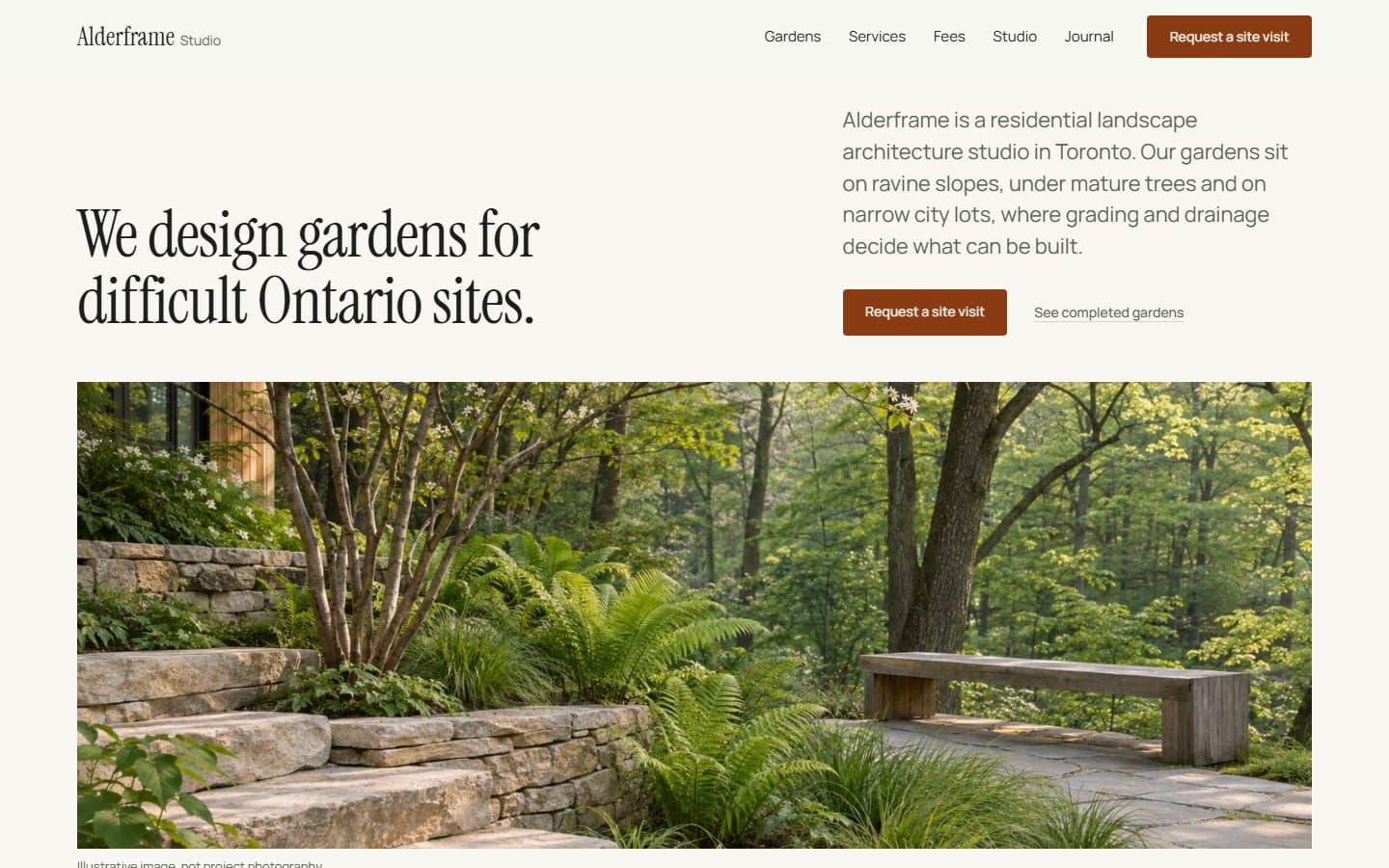
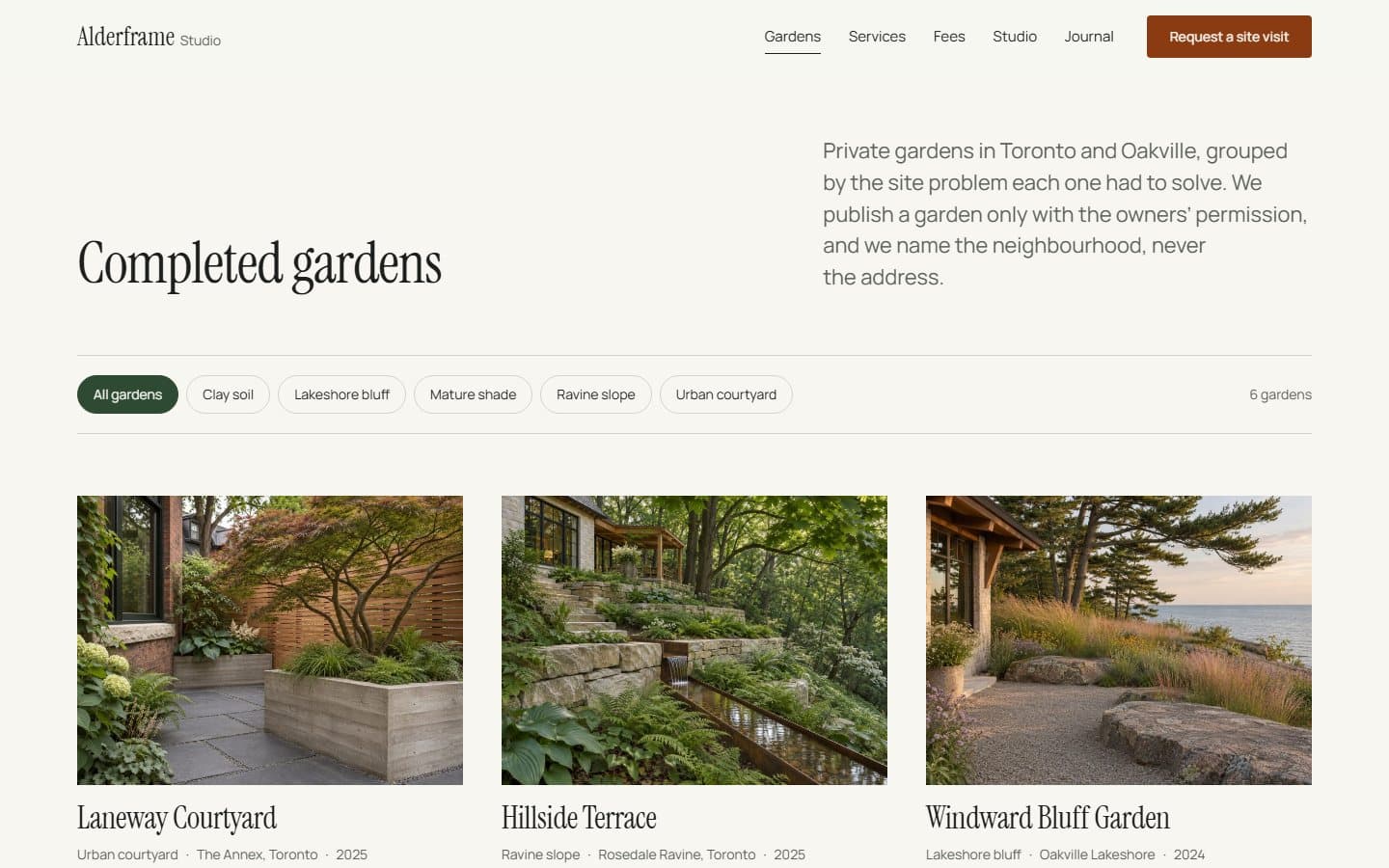
The running WordPress site. Scroll the home page to turn the 3D garden, filter the gardens archive and open a garden record. Alderframe is made up, and its photos are illustrative images.
alderframe.samuelrolandvroom.comScreens
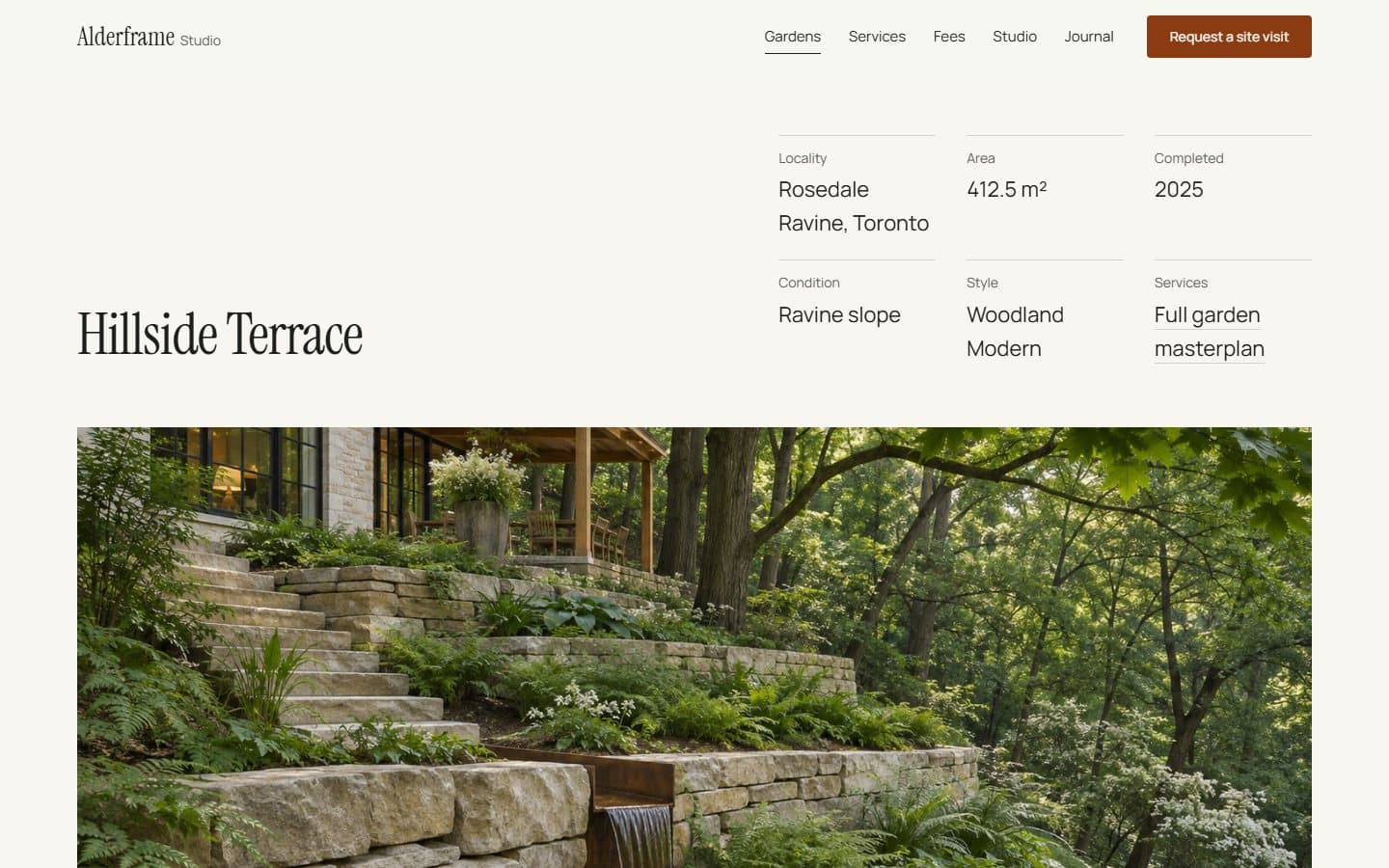
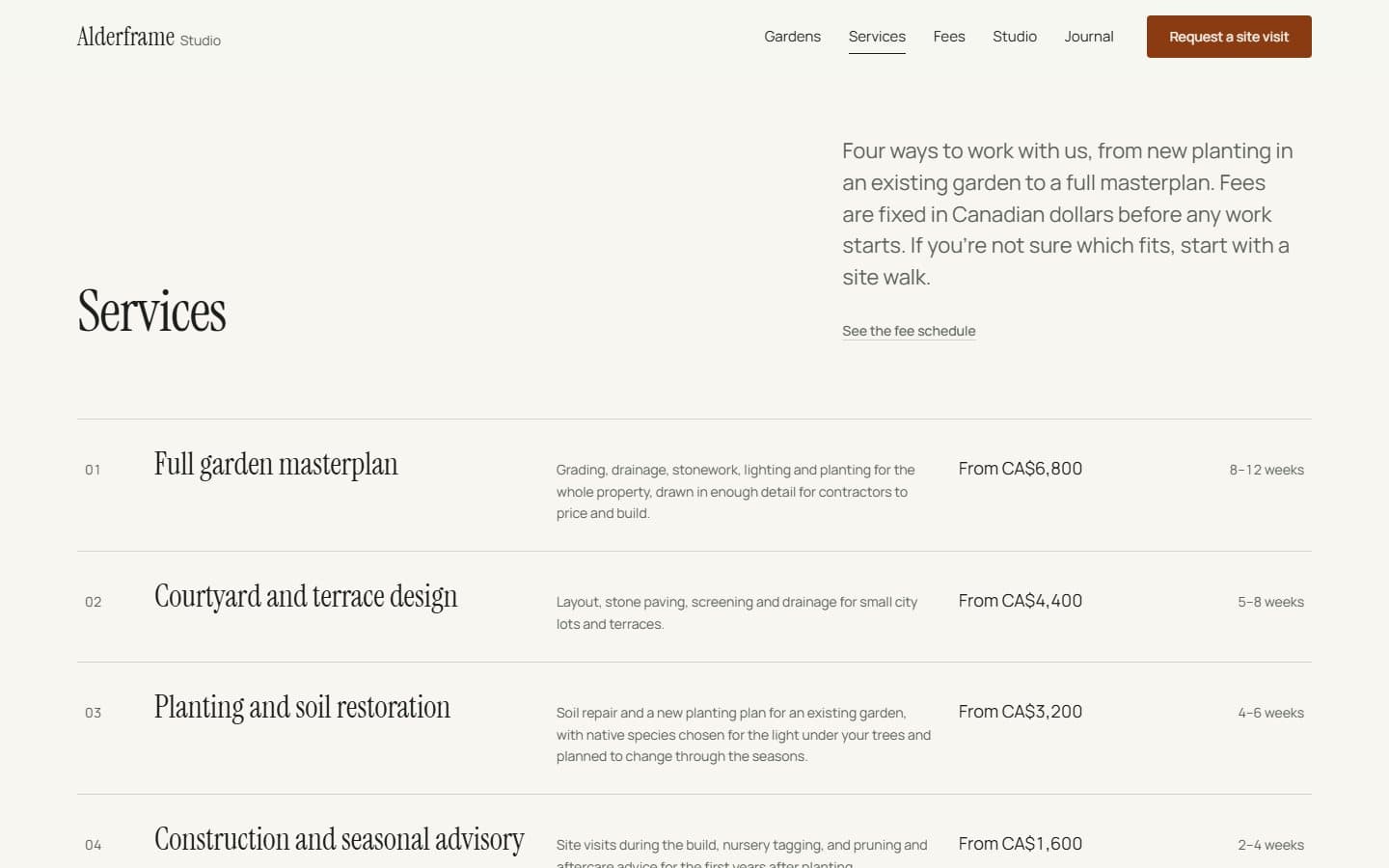
Screenshots of the running site. Every name and number in them is demo data.
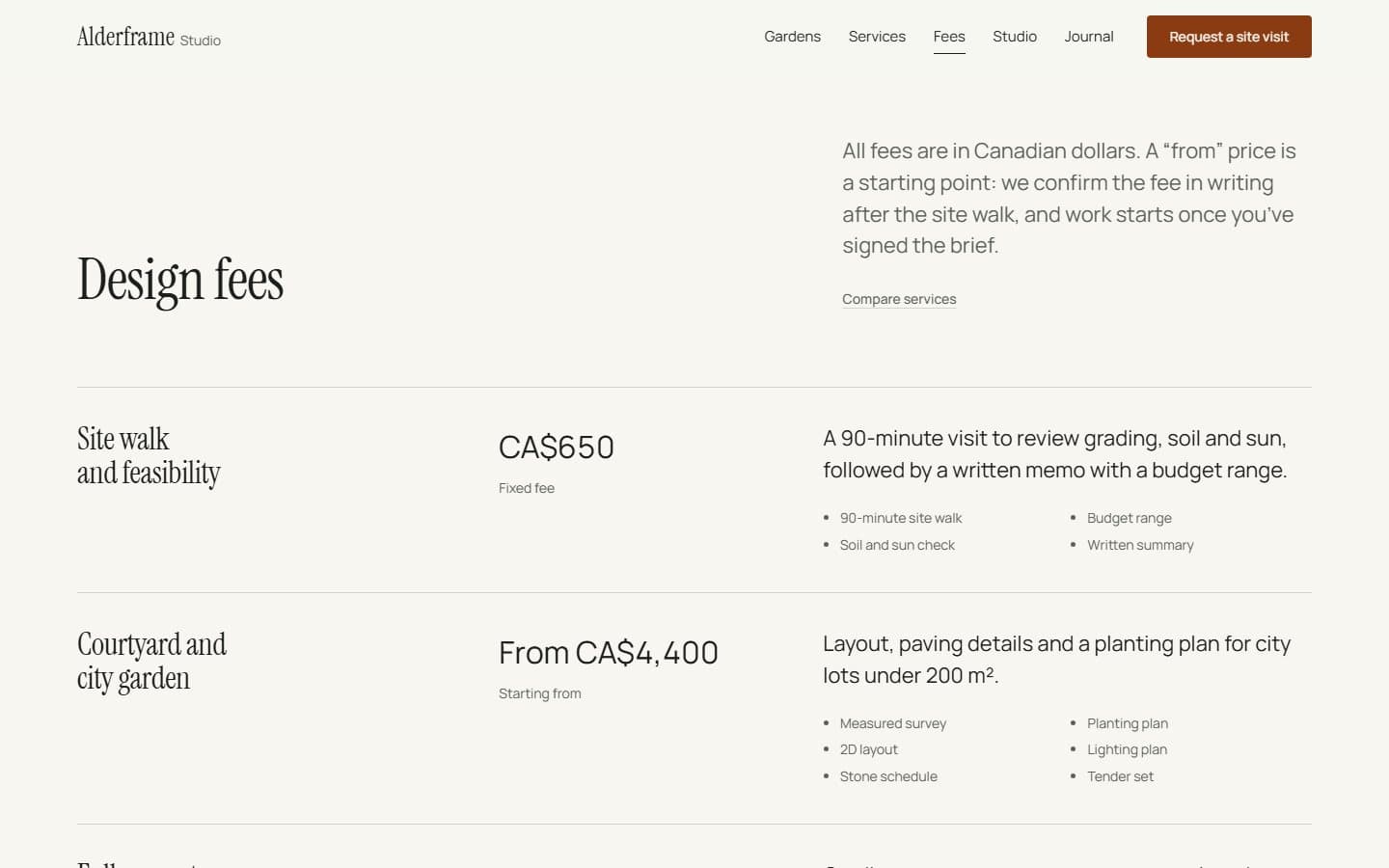
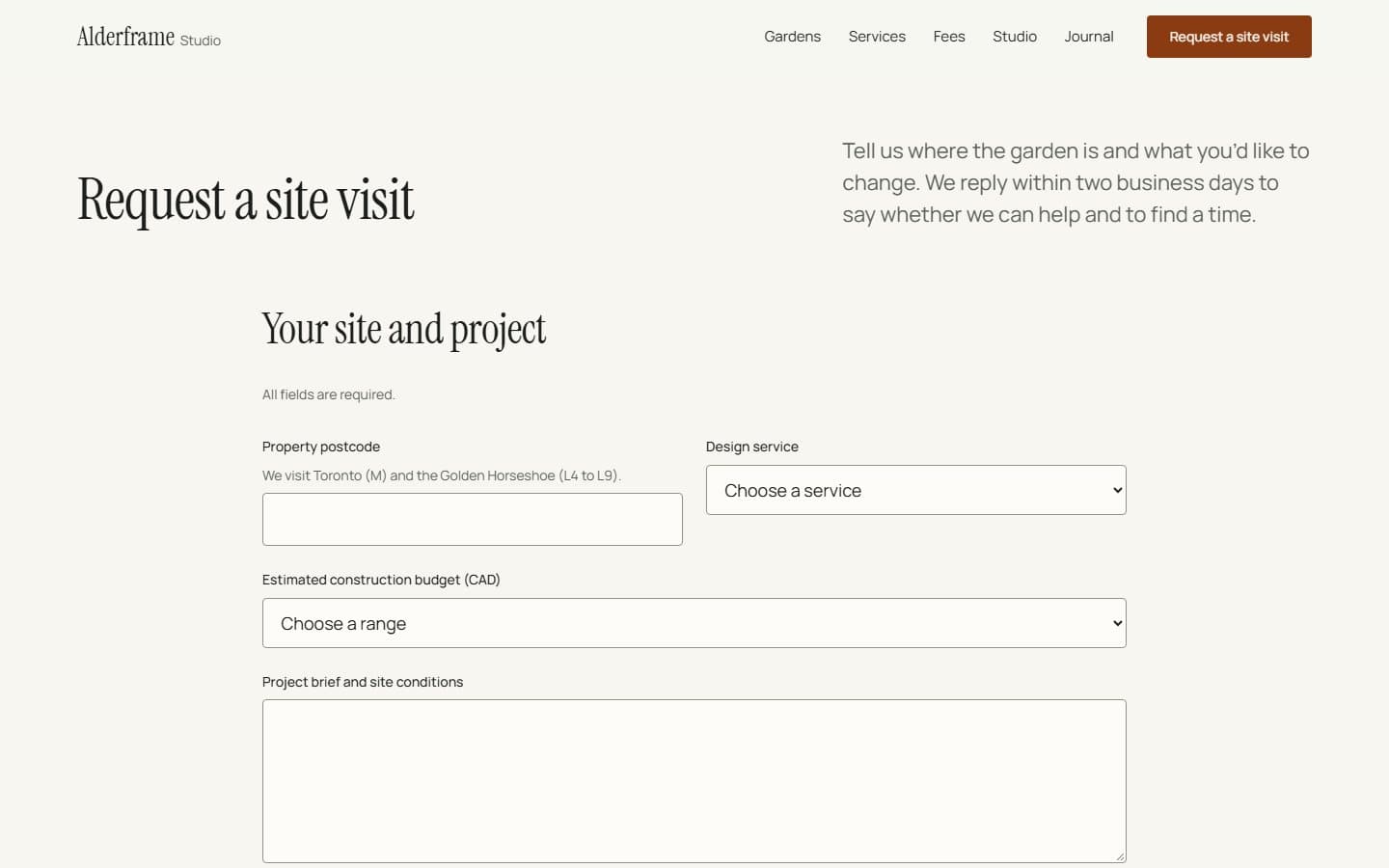
A block theme, not a page builder
The design lives in theme.json and 13 block templates: colour, type and spacing tokens, then templates for the home page, gardens, services, journal, search and 404. Editors work in the normal block editor and can't break the layout, because the parts that matter are blocks that render from data.
Records, fields and blocks
The site plugin registers six record types (services, completed gardens, designers, owner quotes, visit FAQs and visit requests) and three taxonomies, with a field contract for each. Twenty-six dynamic blocks read those records, so a garden's locality, area, condition and services are entered once and show up on its page, in the archive and in related gardens. A WP-CLI command seeds the whole site from code.
Only with the owners' permission
A garden appears only while its owners have approved it. The rule lives in the queries, not the templates, so the archive, related gardens, quotes, search and the sitemap all obey it, and a withdrawn garden's page answers 410 Gone instead of lingering.
A private garden can't stay online after the owners say no.
The site-visit form
The request form is first-party: a nonce, a honeypot and a submission ID so a double click can't create two requests. Each request is saved as a private record before any email goes out, and errors come back with the visitor's answers kept.
A garden in Blender
I modelled a ravine garden in Blender and rendered it as a 72-frame sequence. On the home page the frames scrub with scroll, so the garden turns as you read, and it holds still for people who turn motion off.